Current profile scope
Display + Sound
- Main display and resolution
- Output device, volume, and mute
- Input device and volume
Seven settings · no Network or automatic switching
 Desk Setup Switcher
Open-source macOS public beta candidate
Save available values from seven display and sound setting kinds as a local profile. Review the exact plan before you apply anything.
Current profile scope
Seven settings · no Network or automatic switching
Synthetic product data · no personal device identifiers
One decision at a time
Nothing switches automatically. Each step has one clear purpose, and Apply remains a separate confirmation.
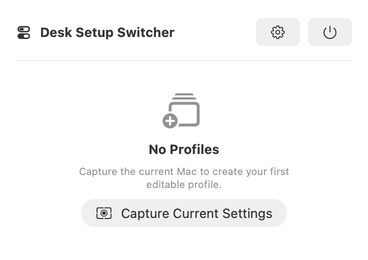
Read the Mac’s current Display and Sound values into a local profile. Capture itself changes nothing.
Name the profile and set any available values across the seven current settings. Missing values stay absent.
Inspect planned changes, omissions, and risk. The Mac changes only after the separate Apply Profile or Apply Available Settings confirmation.
Current interface
These current-interface screens use synthetic product data. They show the Display and Sound workflow without performing or claiming a hardware change.
Synthetic data · No Apply performed · No automatic switching
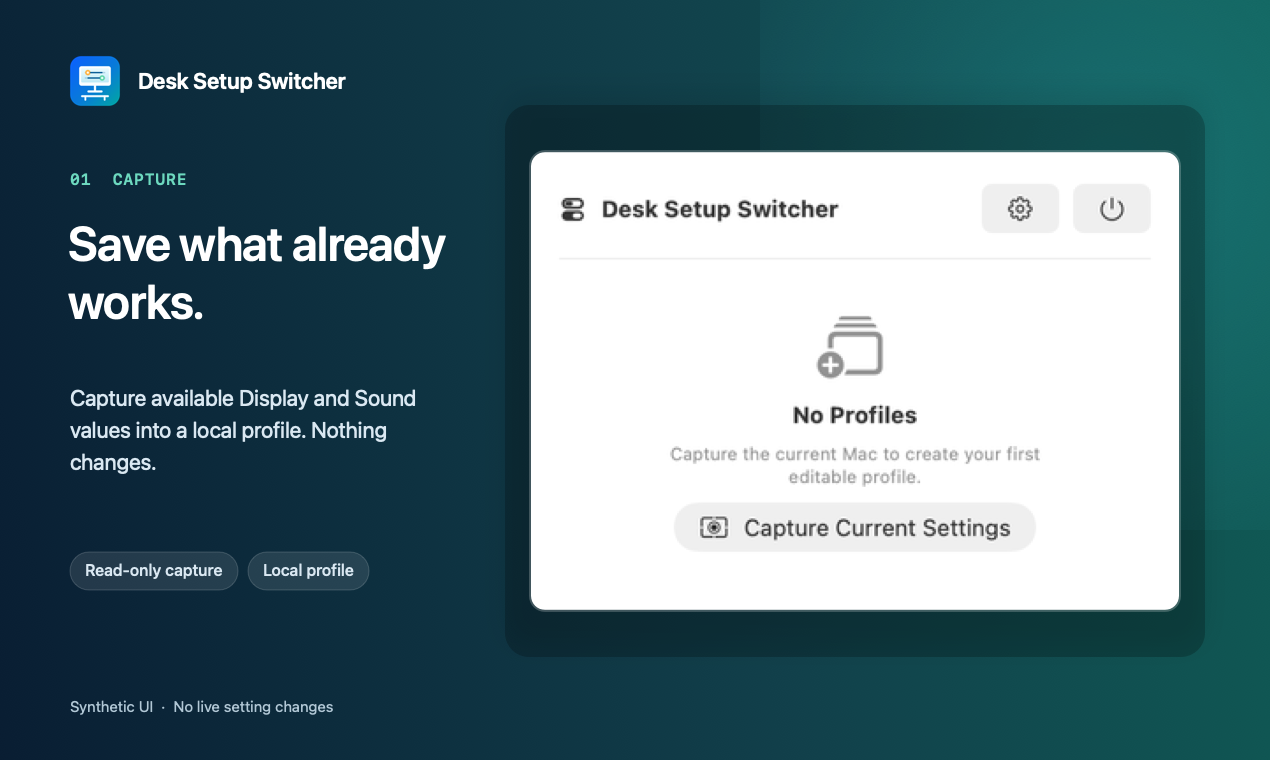
Read the Mac’s available Display and Sound values into a local profile. Capture itself changes nothing.
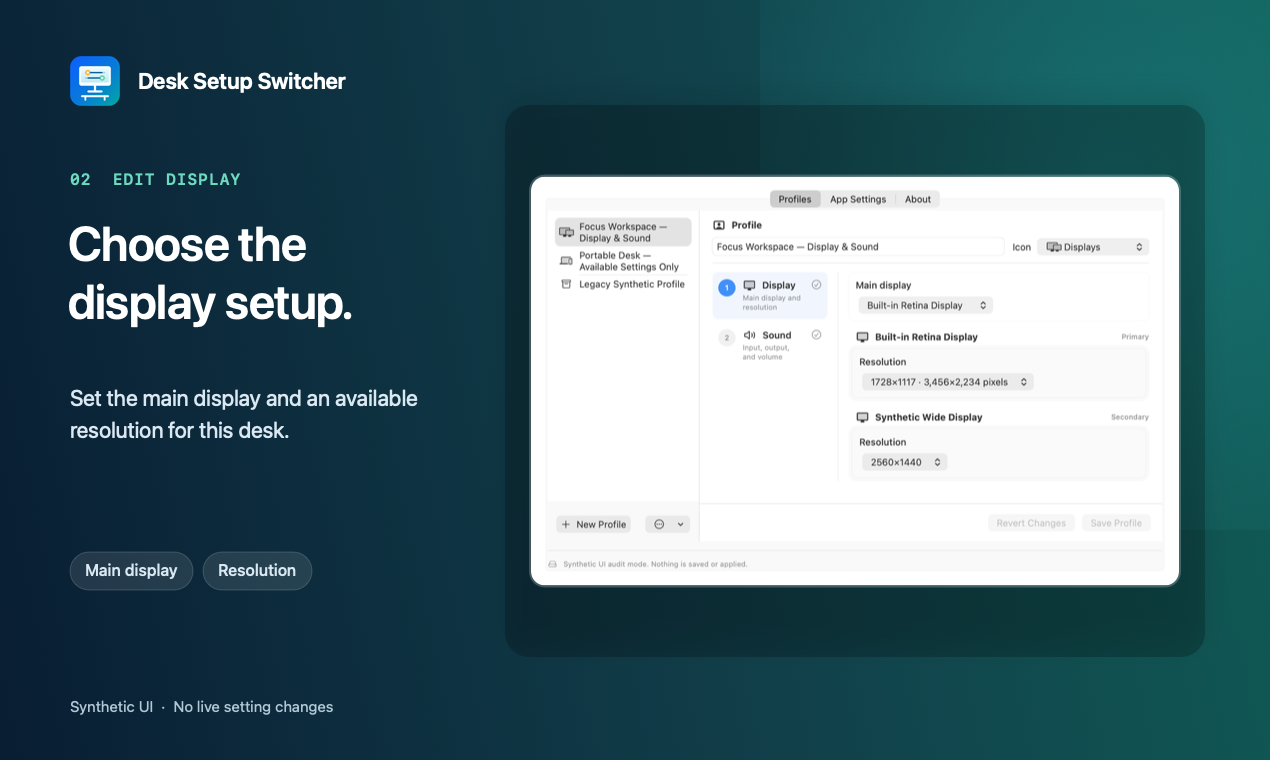
Choose the saved main display and resolution from values available to the profile.
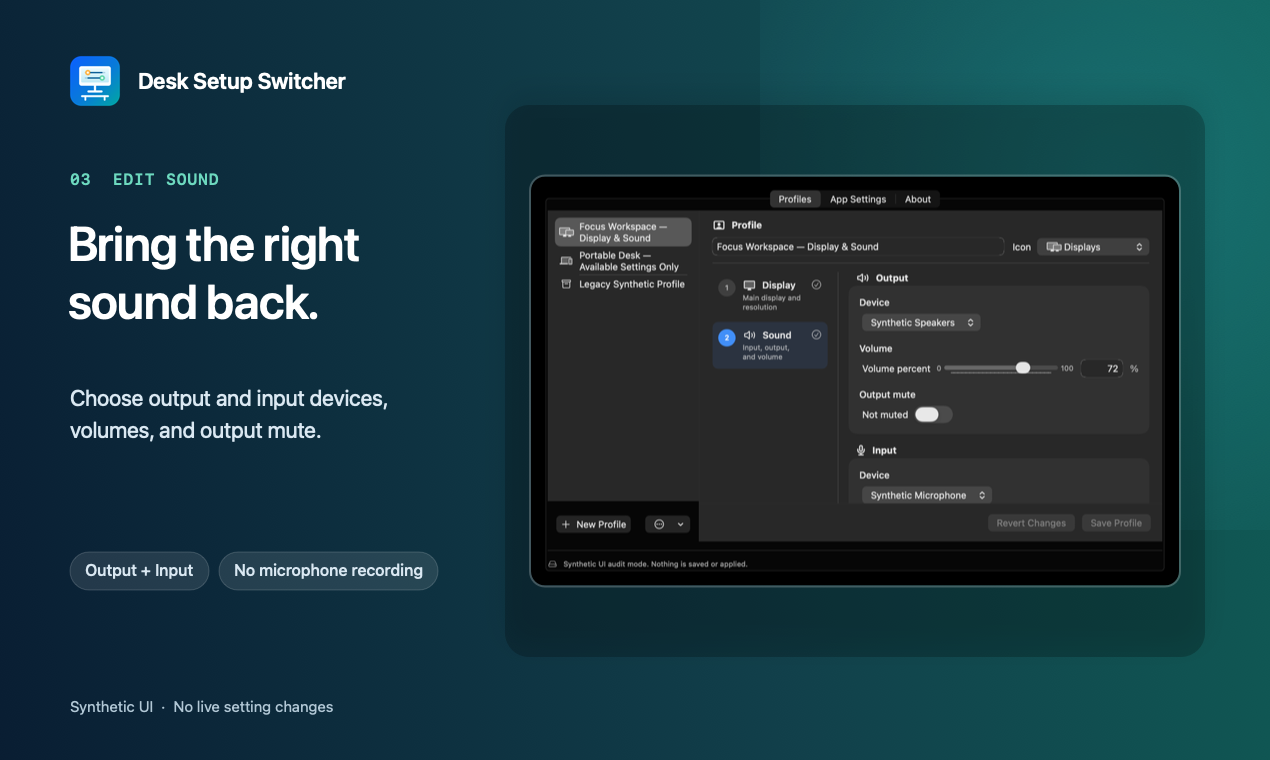
Review output device, volume, and mute alongside input device and volume.
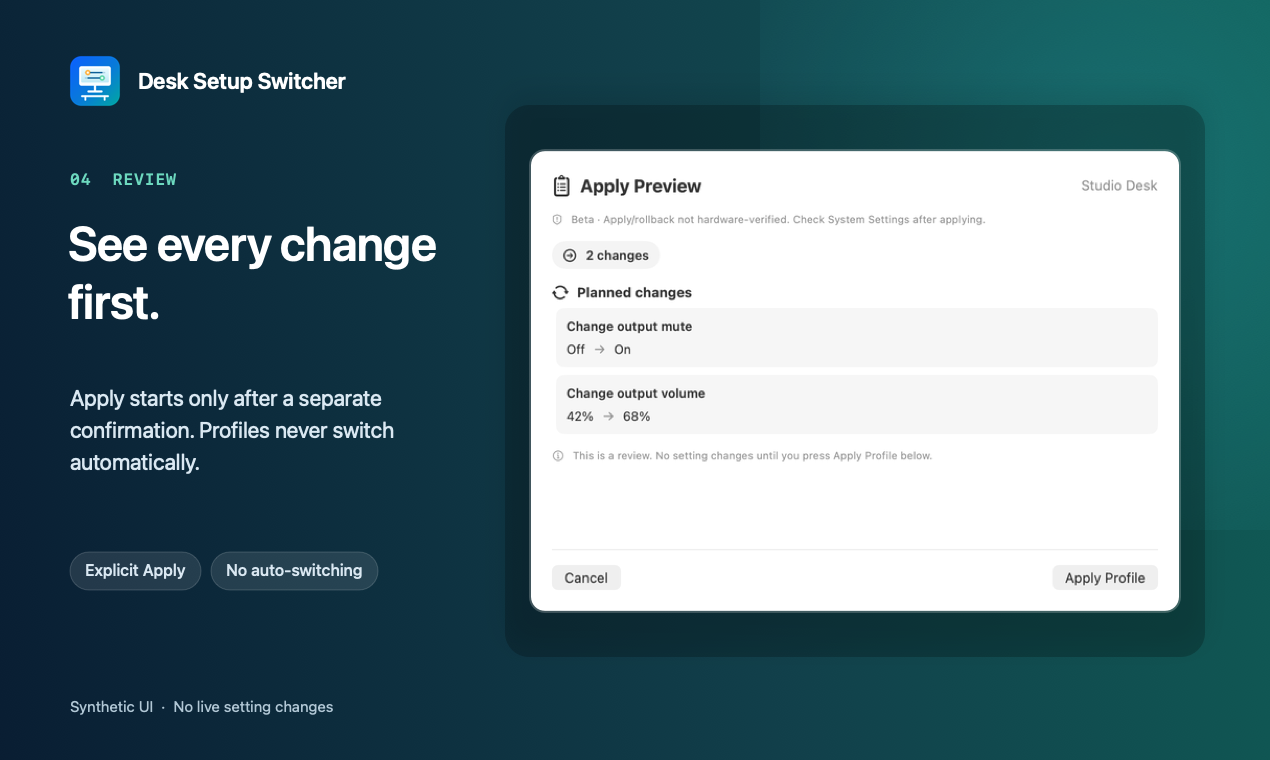
Inspect every planned change and omission before a separate Apply decision.
Demo
This short, silent walkthrough moves through Capture, Display editing, Sound editing, and Review. It never simulates pressing Apply or a successful hardware change.
Honest support boundary
Current-source read-only group paths passed on Apple Silicon. Apply and rollback paths remain deterministic mock evidence; no live setting mutation has been hardware verified.
Main display and resolution. Resolution keeps the current refresh rate; an unavailable combination is skipped.
Current-source group live-read · apply/rollback mock-onlyOutput device, volume, and mute; input device and volume. Selecting an input device does not record audio.
Current-source group live-read · apply/rollback mock-onlyPlanned v0.1.0 platform: Apple Silicon with a macOS 14 deployment target. Exact-candidate lifecycle testing on Sonoma remains a release gate. The packaged Intel slice is not a physical Intel support claim.
Safety before speed
Protected display changes remain temporary during a 15-second review. Keeping them requires explicit confirmation; timeout, window close, or confirmation failure requests restoration of the preflight snapshot. Rollback is best-effort, and hardware mutation remains labelled unverified until independently tested.
Private by architecture
No account, sync server, updater, product analytics, ads, or telemetry path.
Current Capture reads Display and Sound only. It does not request Location or microphone access.
Exports can contain device labels, stable identifiers, and dormant legacy data. Review and redact them before sharing.
This project code sets no cookies and contains no project analytics or client-side tracking. Its hosting provider still processes requests and may retain aggregate operational metrics.
Install
There is no supported public download today. The canonical GitHub Release will open only after the unsigned release gate—including exact artifact verification, a published SHA-256, and clean external beta installs—passes.
FAQ
No. Capture reads, Edit changes a draft, Review explains, and only Apply can start a system change.
Main display, resolution, output device, output volume, output mute, input device, and input volume. Network is not a current profile feature.
Protected display changes offer Keep or Revert and request rollback on timeout, close, or confirmation failure.
Not in the initial beta. The build contains an x86_64 slice, but physical Intel install and runtime verification are still missing.
Open source
Contributions are welcome when they preserve the local-only, explicit-apply, public-API safety boundary. Follow the current SECURITY.md instructions for sensitive reports; private vulnerability reporting must be enabled and tested before release.